Where to
Pick a drop or a saved place.
RytClick lines up every option across your apps and picks the best one. Starting with rides.
Free to use Your own accounts Logins stay on your phone
Example fares
Uber, Ola and Rapido, side by side.
How it worksYour basket, priced across apps.
Wherever prices differ by app.
By the time you've checked the third app, the first price has moved. RytClick checks them all at once.
Pick a drop or a saved place.
Every app’s fare, the best one picked.
Confirm on the app itself, like always.
Swipe through the app
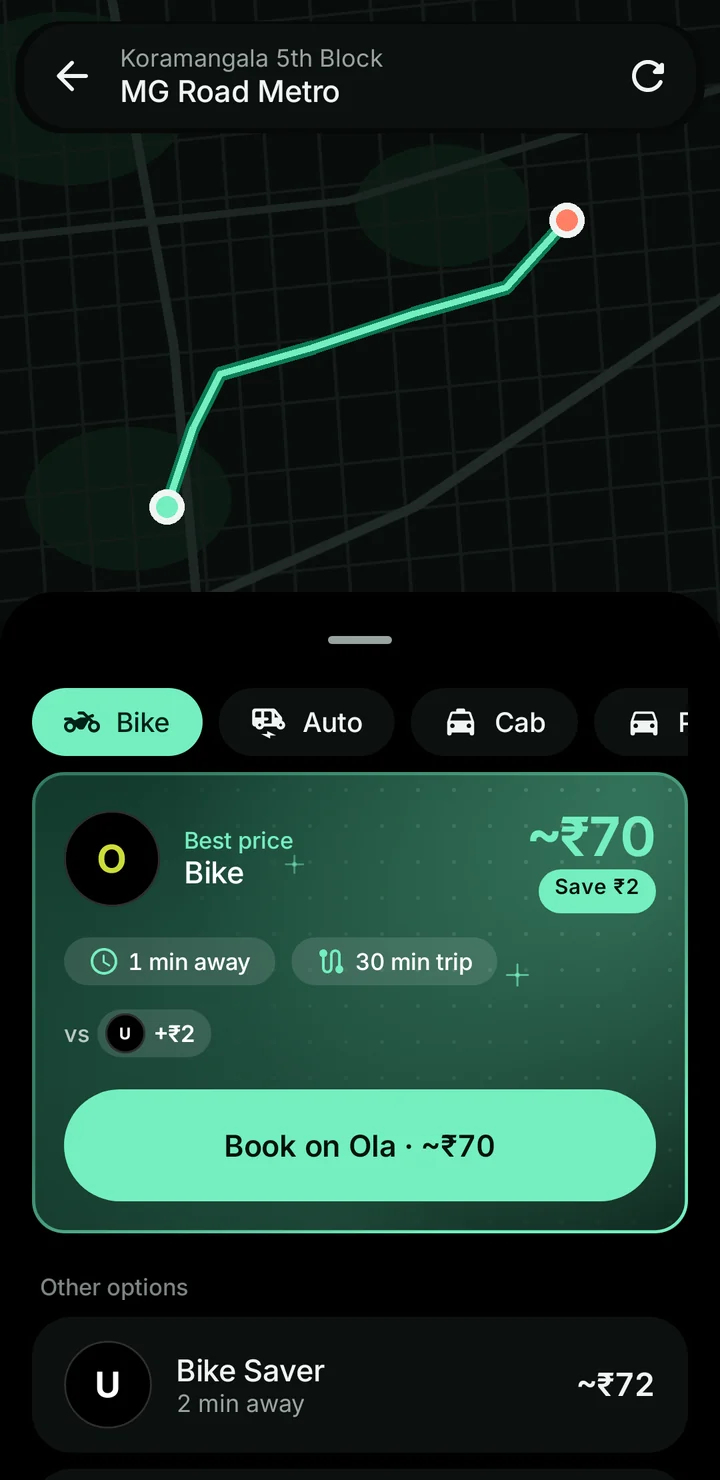
Each app’s price for the ride you want, with the best one picked and what it saves you.
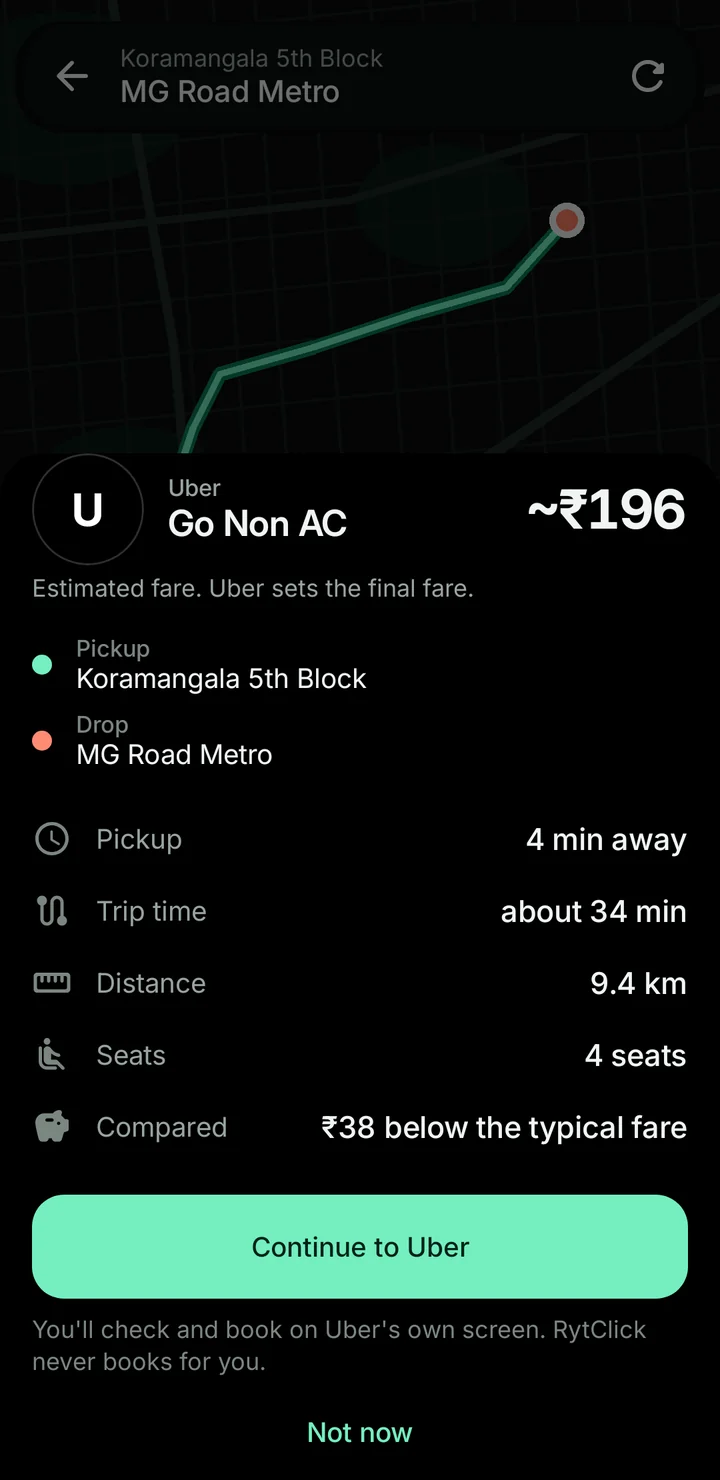
The app’s own booking screen opens with your trip filled in. You tap its button.
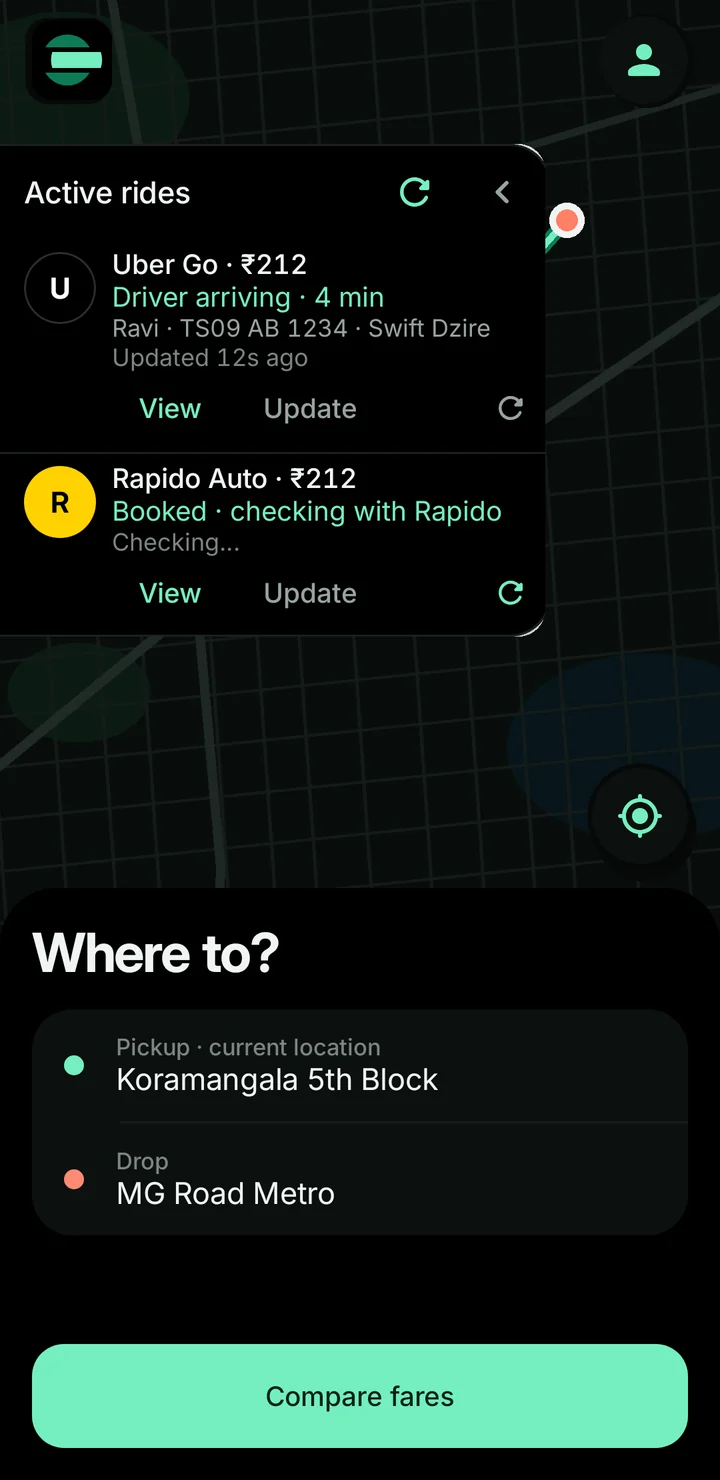
Driver, vehicle and arrival time, live, even if you close the app in between.
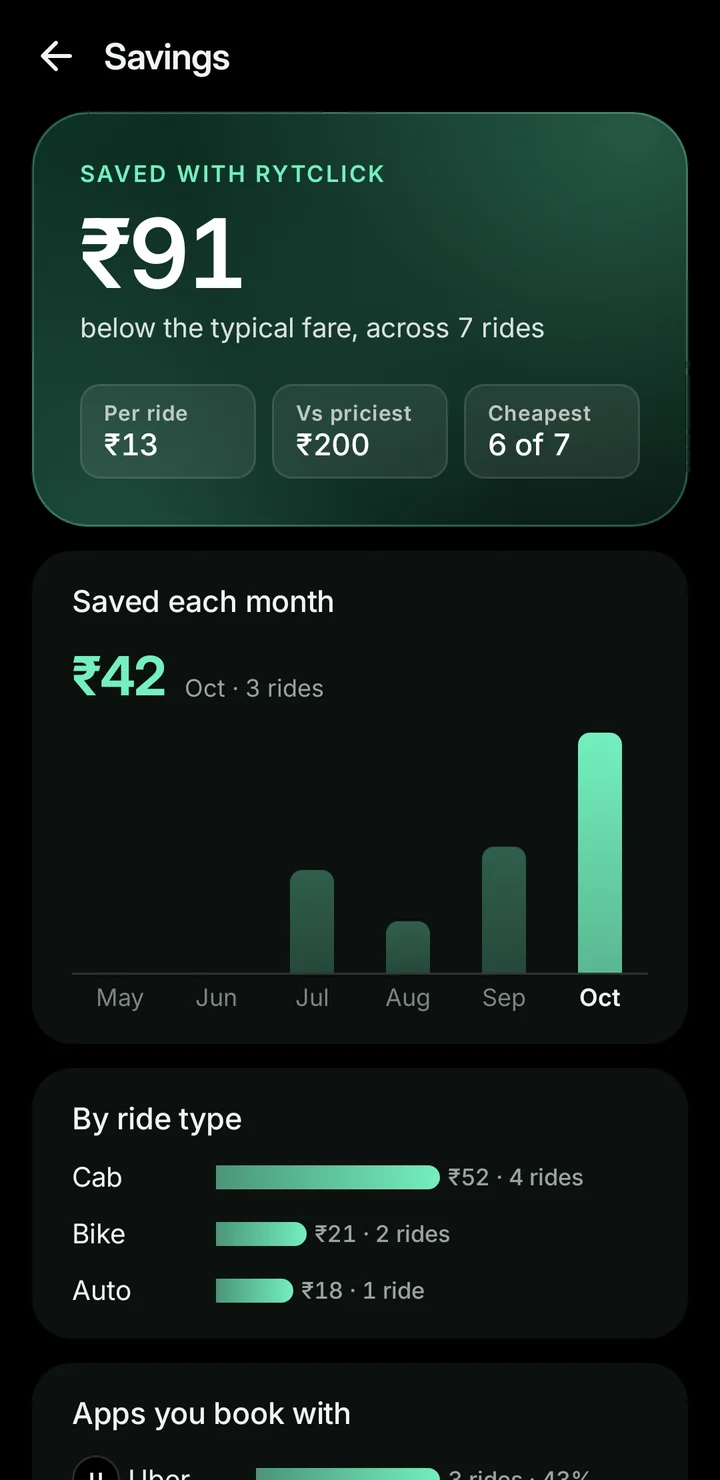
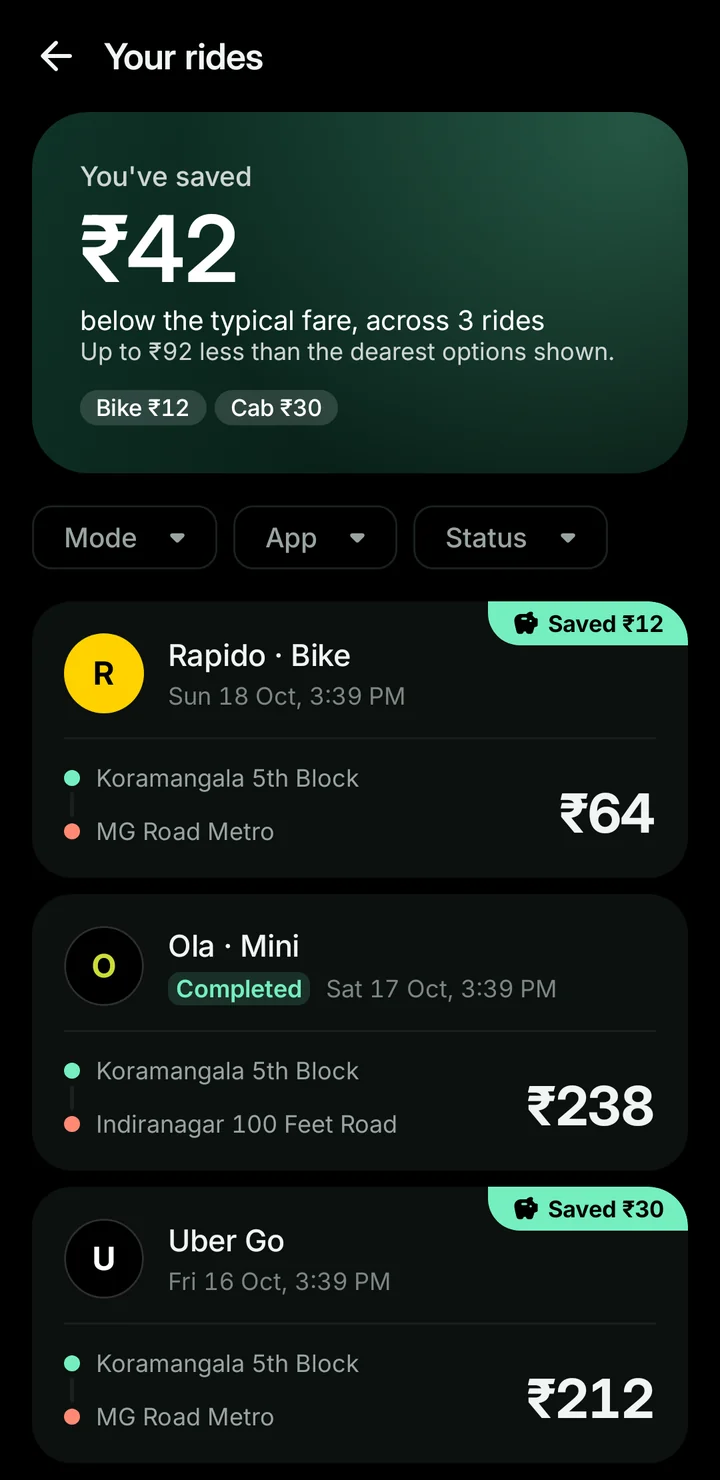
What comparing saved you, ride by ride and month by month.
Uber, Ola and Rapido rides together, and it follows you to a new phone.
Linked on the app’s own page, kept encrypted on your device. Never sent to us.
We never book, confirm or cancel for you.
Counted only against other apps, like for like. Never against you.
Three rising notes, then a click when the best one locks in.
Right now, RytClick compares rides across Uber, Ola and Rapido. We're working on groceries next, and we'll keep adding more categories. Each one will arrive in the same app, so there's nothing new to download.
Yes, RytClick is completely free to use. You simply pay for your ride in the ride app, at that app's fare, just as you always do.
No, and it never will. When you choose a ride, RytClick opens that app's own booking screen with your trip already filled in. You review it there and tap the app's button to book, so you're always in control.
Yes. You sign in on each app's own page, using the OTP that app sends you. Your login is stored encrypted on your phone and is never sent to our servers. You can unlink any app whenever you like.
We're getting ready to launch on both Google Play and the App Store. Please check back here soon, and we'll share the download links as soon as they're live.
You can do it any time in the app: go to Settings › Privacy › Delete my data. If you no longer have the app, please follow the steps on our delete account page, and we'll take care of it for you.
No. RytClick is an independent app made by Bhvs Technology Solutions. We aren't affiliated with, or endorsed by, any ride app.
Have another question? We'd love to help: support@bhvstech.com
Coming soon to Google Play and the App Store.